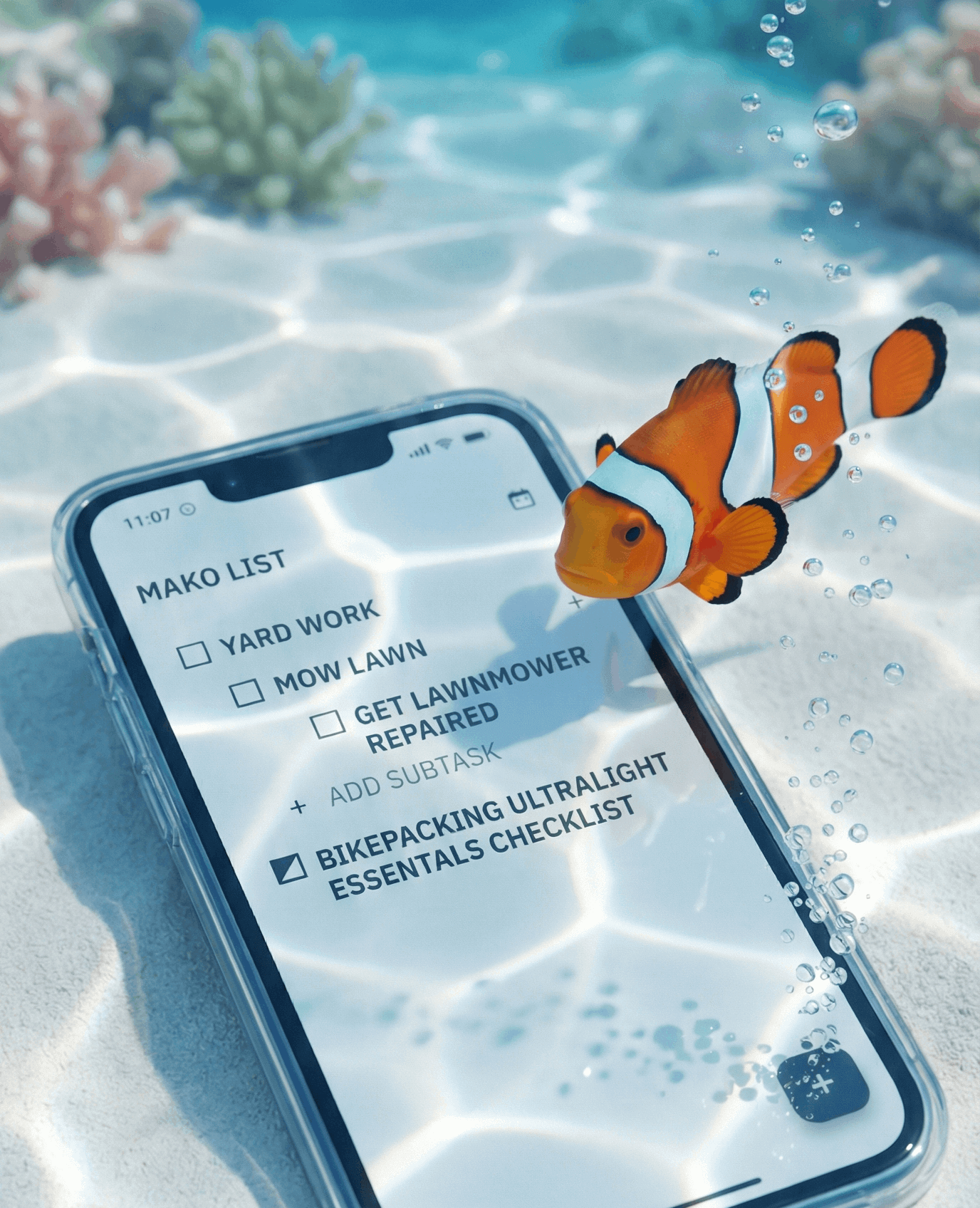
MAKO LIST

Jan 14, 2026 | Documentation | How-To, Gestures, Features
3 Gestures to Know:
Mako List is designed to look like digital paper. We hid the clutter, so here is how you find the controls.
1. How to Delete (The Long Press) Looking for the trash can? It’s hidden to keep the interface clean.
Action: Press and hold any text for 1 second.
Result: The Edit/Delete menu appears.
2. Focus Mode When you tap a list, Mako List automatically closes the others. You can only view one "Active" project at a time. This is by design to keep you focused.
3. The Icons (+ vs ▼)
(+) Plus Sign: Adds a new item immediately.
(▼) Arrow: Toggles the list open/closed.
Tags: FEATURES, PRIVACY
These days, it seems like even your calculator app wants your email address and location data. But Mako List offers a different approach. We believe that your to-do list is private. It’s a record of where you are going, what you are buying, and what you are planning. That isn't data we need ...
Tags: AI, INTEGRATION, AI PROMPTING
The Problem: AI Loves to Talk, Talk, Talk! We all do it. We ask ChatGPT or Gemini to "Generate a packing list for a 3-day bikepacking trip," and it gives us a novel. It gives us bold headers, bullet points, introductory paragraphs, and "Here is a list...